

KitchenAid Mixer Troubles: How To Fix Common Problems With Your Machine
We may receive a commission on purchases made from links.
In 1919, something truly magical happened: the KitchenAid Model H-5 stand mixer was born. Referred to as "the best kitchen aid" by the wife of one of KitchenAid's executives, the Model H-5 was truly a wonder. In a world of single-use kitchen tools, the KitchenAid stand mixer, whether brand new or refurbished, is an incredibly useful, multi-use wonder. Without that original version that emerged over 100 years ago, the model you have today, whatever it is, probably wouldn't even exist. If you aren't giving your stand mixer a hug or a high five every time you put it to work, you should really start. After over a century of being a kitchen workhorse, it's earned it.
However, as with so many useful kitchen tools, troubles are bound to happen, and while the KitchenAid stand mixer may seem untouchable, it too is subject to the occasional snafu. After 100 years and many, many models, KitchenAid has the solutions for the most common issues, and we're thrilled to share that insight today, directly from the bright minds at KitchenAid. The best part? Most of these issues can be solved in a matter of seconds. Of course, if you do come across an issue that you can't fix yourself, contact KitchenAid support. In the meantime, take a look at some of the most common KitchenAid woes, and we guarantee you'll become the master of your machine.
If the machine is dirty
There's a wonderful, joyful, butterflies-in-the-stomach type of feeling when you get the opportunity to make something using a KitchenAid. However, that feeling of happiness can quickly disappear when you take out your stand mixer only to realize it hasn't been properly cleaned. Even if you're good about cleaning your attachments and the mixing bowl, there are quite a few other parts of your stand mixer that, if not cleaned properly, can cause it to fail the test of time. You think your homemade English muffins have plenty of nooks and crannies? Just look at your KitchenAid!
According to KitchenAid, most people are good about washing the bowl and the attachments, but these overlooked areas need just as much attention. The beater shaft beneath the mixer head, the attachment hub and hub cover, the bowl-locking area, the underside of the tilt-head, and the spaces around the speed-control lever are all subject to grease and food buildup, so giving these areas special attention will help to maintain consistent performance and keep your mixer looking shiny and new.
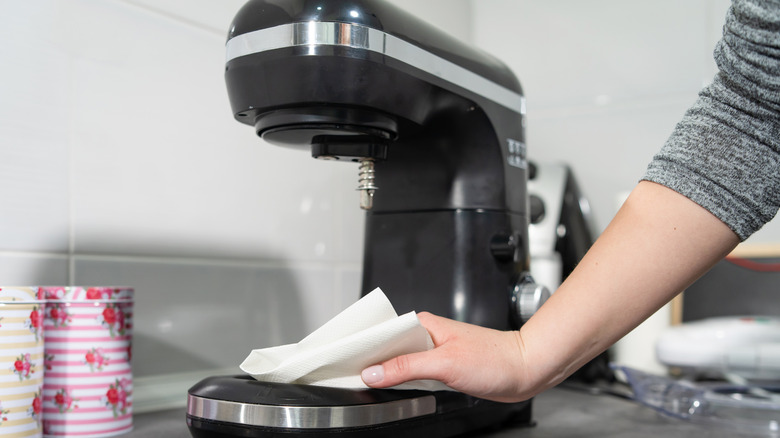
For everyday care, KitchenAid recommends using a soft, damp cloth to wipe food away from the outside of the mixer and these harder-to-reach areas. For a more thorough cleaning, unplug the mixer, wipe the surfaces down with a soft, damp cloth, then use a small brush (an unused toothbrush, perhaps) or a cloth to remove residue from the beater shaft and the attachment hub.
If you hear a grinding noise
It's birthday party time, and you've pulled out the stand mixer to make a birthday cake from scratch, rather than going for the box mix (though we absolutely love a packaged cake mix, don't get us wrong). Your ingredients are in the bowl, the attachment is in place, and then it starts. Rather than your mixer purring like the kitten it is, it starts making an uncomfortable grinding noise. This isn't a cause for panic, but you'll want to do some quick troubleshooting before having a kitchen meltdown.
First things first: Confirm that the bowl is properly locked into place, that the attachment you're using is securely attached and compatible with your mixer model, and that the clearance from the beater to the bowl has been properly adjusted. A stand mixer is most definitely a well-oiled machine, so to get it running like one, all the pieces that make it work need to be properly locked into place. Also, don't be surprised if a sort of light tapping noise happens when you're mixing something dense, like a bread dough. However, if you continue to hear a persistent grinding, knocking, or metal-on-metal noise, there may be a more serious issue, so stop using the machine and contact KitchenAid support.
If there's oil leakage
Remember when we said that a stand mixer is a well-oiled machine? Well, even the most well-oiled machines can leak oil, so don't be surprised if, every so often, a small amount of oil appears around the beater shaft, inside your mixing bowl, or near the motor head — especially if you haven't used your mixer in a while. Fear not, KitchenAid has some tips to help minimize this type of leakage.
The first thing to consider is how you're storing your machine. KitchenAid recommends storing it upright in a cool, dry location and keeping attachments such as beaters, whisks, and dough hooks in a separate drawer rather than attached to the beater shaft. If you aren't a regular user of your mixer but want to avoid oil leakage, run it every so often to keep the grease distributed. If you haven't used it in a while, but today is the day to make the ultimate challah bread, run the mixer empty on Speed 10 for about two minutes, wiping away any excess oil in the bowl or around the beater shaft before adding in your ingredients.
If an attachment doesn't reach the bottom of the bowl
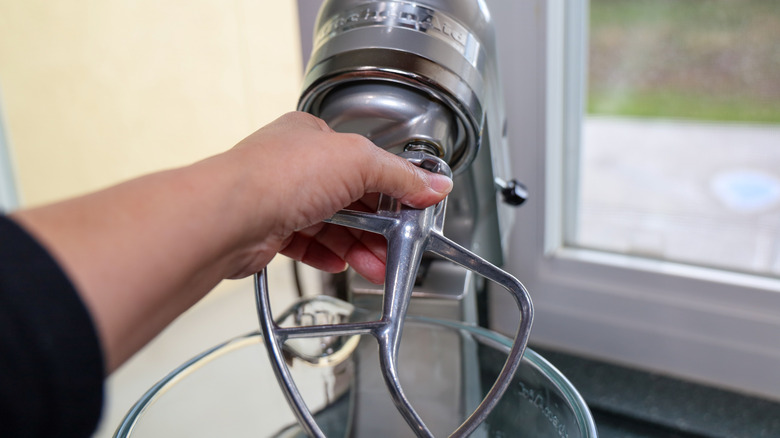
Have you ever tried to make bakery-worthy meringue by hand? It's a labor of love, with an emphasis on the labor. Rather than risk sacrificing your forearm to your handheld whisk, use your stand mixer instead. Hoorah! But what if, after you get your egg whites and sugar in the bowl and turn on the mixer, your whisk attachment isn't reaching the bottom of the bowl? This may be an issue with your beater-to-bowl clearance. But fear not, our egg-white-whisking friends, all it takes to fix this is a simple adjustment.
KitchenAid recommends checking your beater-to-bowl clearance with the dime test. Place a dime in the bottom of your mixing bowl, attach the flat beater accessory, and turn the mixer on. If your beater-to-bowl clearance is properly adjusted, the dime should move slightly each time the beater passes. If it doesn't move, the beater may be too high. If the dime continuously circles the bowl, it may be too low. To find out how to adjust your clearance, consult the model-specific guidance from KitchenAid for your particular machine.
If the head is shaking too much
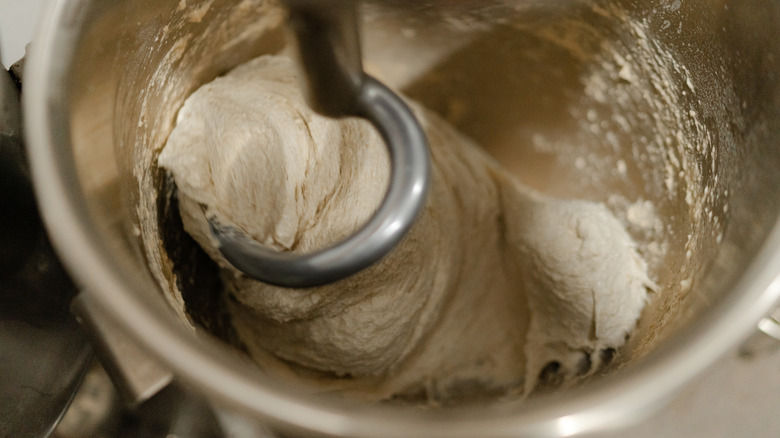
A little shimmy-shake isn't uncommon if you're mixing something heavy or dense in your stand mixer, like dough for a loaf of French bread or a sticky toffee pudding loaf cake. But there's a difference between a little bit of movement and a full-on electric slide taking place on your kitchen counter. Before assuming your stand mixer has taken on a life of its own, there are a couple of steps KitchenAid recommends taking. We love a little wibble-wobble in a strawberry whipped Jell-O or a salted caramel panna cotta, but with a stand mixer? Not so much.
First thing to do, says KitchenAid, is to turn off your machine and confirm that the head-lock mechanism is fully engaged, and that your beater-to-bowl clearance has been correctly adjusted (time for another go at the dime test!). If you have a tilt-head model, check that the set screw on the neck pin is in place, an issue that KitchenAid says is often the source of this type of movement. According to the r/Kitchenaid subreddit, if you're a regular user of your mixer, especially if you're really putting it to work with heavy doughs and batters, the set screw can come loose. Checking it regularly to make sure it's tight should reduce wobble.
If the bowl won't lock into place
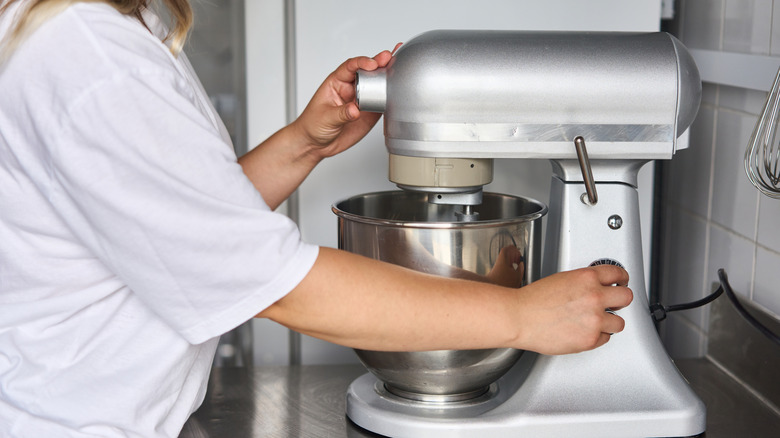
Are you fully seated for this next tip? We hope so. Now, the same question to your stand mixer. Are you fully seated, stand mixer? If not, it may explain why the mixing bowl feels unstable or isn't locking into place properly.
Depending on the type of model you have, whether it's a tilt-head or a bowl-lift, there are a couple of checks you can perform to address this. For the tilt-head models, KitchenAid recommends making sure the bowl is properly positioned on the base plate, which includes rotating it until it's securely locked in place. Not sure? Remove the bowl from the base plate completely, then put it back on and turn it until you hear it click into place. If you've got a bowl-lift model, make sure that both sides are attached to the support arms, and push firmly on the back of the bowl until you hear it snap into its seated position.
If you've gone through the motions and the bowl still feels loose, it's possible that either the mounting points or the mixing bowl itself have been worn down or damaged. Check the bowl and either the base plate or the support arms to see if this is the case.
If there's a hot smell during mixing

Stand mixer devotees know their mixer can do many, many things. It can mix, knead, and whisk. It can roll out sheets of pasta with the pasta attachment, and it can even grind up meat for sausage (don't forget that 80-20 lean meat-to-fat ratio for the best homemade sausage). It's a machine with many skills and functions, and yet even the most impressive machines can be overworked. When this happens, it's not uncommon to notice a hot smell coming from your machine, especially if you've got it running overtime. Worry not, stand mixer stans. This is a common issue, and with it comes a simple solution.
If you've got your stand mixer working long hours, mixing dense doughs, or making multiple recipes back-to-back, and that hot smell starts to make itself known, there's one thing to do: Turn off the machine. Give it a rest. Everybody needs a rest every once in a while, including our beloved kitchen robots. According to KitchenAid, this is when you can ensure the batch size, speed settings, and attachments are correct for the recipe or recipes you're making. Like any motorized tool, your stand mixer needs a little bit of a break every once in a while to ensure the best possible performance, so if it seems like (or smells like) your stand mixer is working a little too hard, do as the Beatles said, and let it be.