

These 11 Self-Checkout Habits Make Grocery Employees Roll Their Eyes
There are two kinds of people in this world: Those who like self-checkout (SCO) and those who don't. Some people don't think it's as efficient or cost-effective as traditional checkout and would prefer to bag their own groceries, while others prefer to scan themselves. Although self-checkout machines can be frustrating, glitchy, and not always user-friendly, folks still line up to scan their own items and forego the classic registers. But customers aren't the only ones experiencing irritation surrounding SCOs. There are plenty of self-checkout habits that make grocery employees roll their eyes — and you may be unknowingly contributing to some of them.
SCOs have their own set of etiquette just like conventional checkout, and since SCOs are relatively new, that etiquette isn't necessarily established common knowledge. That's why we've gathered statements from real self-checkout grocery store attendants to gain an understanding of the dos and don'ts of using these machines. Perhaps this newfound knowledge will allow us to approach SCO in a new way and provide some relief for those monitoring the machines if you choose to use them.
Trying to pay cash at a card-only machine

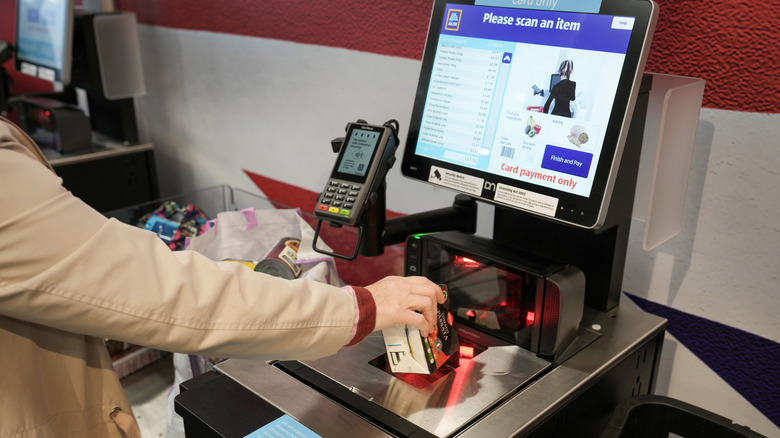
It seems everything is streamlined for efficiency, which has cut out the pleasantries that used to be a mandatory part of grocery shopping. One of the major perks we miss out on when choosing self-checkout is real-time instructions. These machines are covered in instructions and wording, so it's easy to miss a prompt. Many machines are card-only, and many will prompt you to click the screen to acknowledge your understanding of this even before scanning items, while others don't.
Grocery store employees prefer that customers recognize that they need to use a card before scanning items. That way, the staff don't have to cancel the order once you reach the payment stage then send you to a human cashier. And let's be honest: You don't want to go through that process twice, either.
One employee explained on Reddit their frustration with SCO. "Sometimes the people who use cash go on one with the sign that says '[No cash or cashback card only]' they of course yell at me," they said. Another SCO attendant on Reddit said, "I've had 3 people this morning use a no cash check out, the one that says 'no cash' on the screen, and get to the end of the transaction before realizing it doesn't take cash." If you accidentally make this mistake, be sure to treat the employee handling your kiosk with respect because it's not their fault you didn't read the instructions first.
Not listening to bagging instructions
There's nothing more frustrating about self-checkout than using the bagging scale. It's either too sensitive, not sensitive enough, or seems to go off randomly. Customers have long been complaining about the bagging alarm, and luckily, some grocery stores won't use them. The occasional trigger is no issue, but employees frequently vent their frustration about the situation on Reddit. "People just put their stuff back in the cart or hold onto it and wonder why they can't scan their next item. The computer voice is telling you to put it in the bagging area! Just do it," said one Reddit user.
There are a few ways you can avoid setting the scale alert off. The first is by being sure to place every item in the bagging area after it's been scanned. If you place it directly into your cart, you risk setting the alarm off and having to wait for a reset from an employee. Another way you can save some space on the scale is by placing your items directly into the bags in the bagging area. Your apple is less likely to roll, and you'll have more space to place each item down before transferring your bags to the cart at the end.
Disregarding the prompts
If you're confused about how a self-checkout machine works, you can certainly ask for help. However, there is one critical step to take beforehand: Read the screen. This may seem obvious, but grocery store employees on Reddit complain time and time again of folks buzzing for help before reading the prompts.
One upset Redditor said, "I hate working at the self checkout because [so many] customers go there instead of waiting in line for the regular register ... Then they refuse to read the commands and act like it's my fault they refuse to read." There is even an entire Reddit thread dedicated to the question of "Why do people refuse to read the screens at self checkout?" The original poster said, "So many times I'm called over to help because something 'isn't scanning' when there is clearly a prompt on the screen [they] need to finish or some kind of produce that has to be weighed first. Drives me absolutely nuts." The comments indicate frustration from staff, so it's worth giving it a shot yourself by reading the directions before buzzing for help.
That being said, if you're at a total loss, call for help quickly so you can help keep the flow of customers moving through the machines. Machines vary by store, so you might have to re-learn a new system if you're shopping somewhere new, as prompts will vary. Tech glitches happen, but it's important to give it a try before accepting defeat.
Self-checking a full cartload
This self-checkout habit that makes grocery store employees roll their eyes might surprise you. There are many unwritten rules of self-checkout at the grocery store, one of which is that these kiosks are really meant for small cart and basket loads. When you think about it, the bagging area is rather small. It's not meant to hold a full cart's worth of groceries. The self-checkout process is designed for folks hoping to skip the hullabaloo of a full register experience, typically because they have less to scan. The goal: Wait, scan, and be on your way. While customers haven't all gotten the memo, grocery store employees find it irritating when customers settle in at a kiosk and spend half the day scanning groceries.
One Reddit thread labeled "As an employee, I [hate] self check outs!" explains that one of their pet peeves is when customers don't follow this unwritten rule. The employee on Reddit said, "limit of 15 items... our self check outs are small with a tiny shelf for scanned items, but it does weigh your items. If you take off an item or don't put it on the machine will not let you continue." They go on to explain that large carts block other customers from getting through, and finish their rant with some choice words in caps lock. So, when in doubt, treat a SCO like the express lane, and only use it if you have 15 items or fewer.
Getting irritated if nobody is there to help them right away
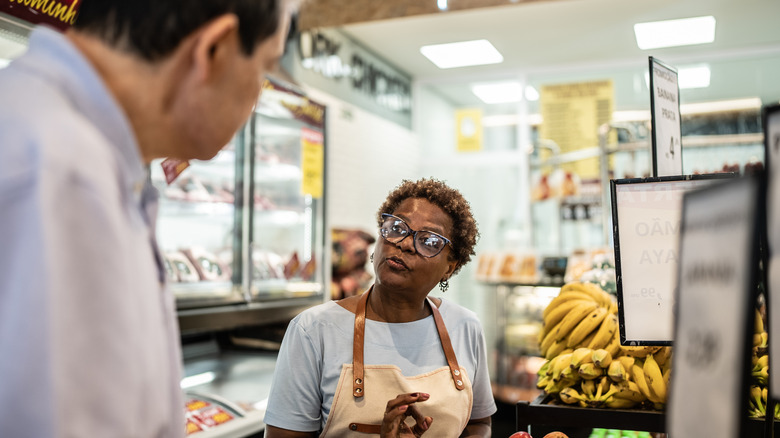
Time and time again, grocery store employees note on Reddit that customers who use SCO can be rude, and that they blame employees when the machines malfunction. One employee who works with beverages voiced their biggest pet peeve with working SCO on Reddit: "I can't even count the number of times that I will be helping a customer and someone will call me or walk up to me and tap me saying they need help. I usually say 'please give me a minute, I am helping this customer right here' and I am met with attitudes, eye rolls, and frowns." SCO seems to bring out the worst in people, which is why many people believe that self-checkout failed and it's time to move on.
Customers can also become irate when they can't work the machine or no one is there to help them right away. Perhaps folks are using self-checkout for its efficiency, and an unexpected glitch catches them in a panic. Or, they're fed up with seeing robots around every turn, or they may not have experience operating SCO technology. Whatever the reason, it's important to note that if you do need the help of an employee, practice some patience because, like you, they are busy too. You don't want to hold up the flow of SCO, so just know that an employee will help you eventually.
Ignoring PLU codes
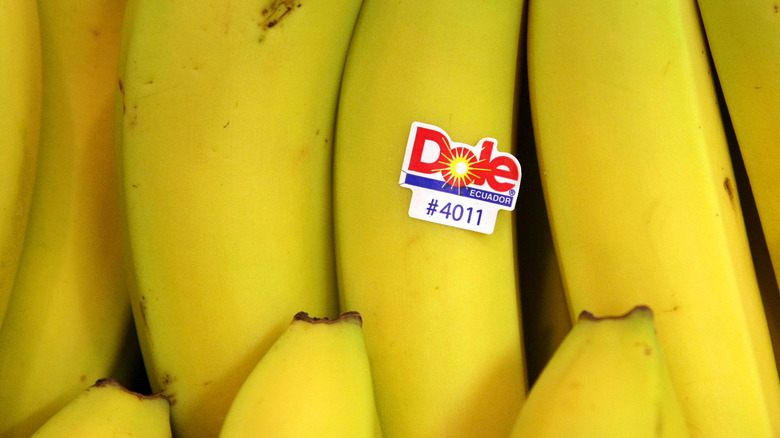
PLU codes are the four- or five-digit codes on the tiny produce stickers, which may or may not need to be manually typed on the self-checkout kiosk. If you're confused on whether or not to use the PLU code or scan the barcode, you may want to use the regular checkout lane rather than a SCO. Otherwise, you could be holding up the line and angering SCO attendants.
One employee on Reddit said, "It's always the produce at my work. I despise working self checkout because of that. I hear '[unknown item]' a million times a day and I have to fix it every time because customers don't know to type in 4011 for bananas or 4048 for limes." If you can't find the sticker with the PLU, look the produce up by name to keep the flow moving and to avoid aggravating staff. Alternatively, use SCO at a quiet time so you can get some one-on-one assistance instead.
Disrupting the flow with alcohol purchases
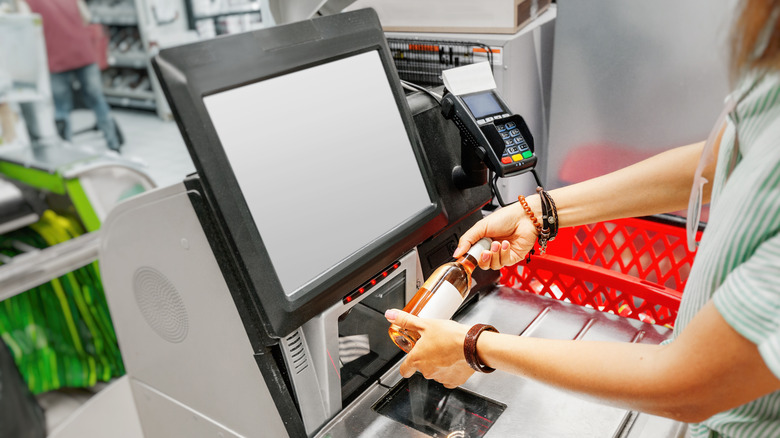
If you have an item in your basket that you know will require employee assistance, sometimes it's best to just hop in the regular checkout line. One of those items that will need a team member to approve is alcohol. As we know from experience, the system is usually set up to automatically call an attendant, and you won't be able to complete the purchase until they verify your age. Most machines let you continue scanning, so don't stop to wait for assistance. Disrupting the flow can be frustrating for attendants during busy hours. One Aldi employee requested that people stop freezing when they buy alcohol: "If you need an ID check for alcohol the self checkout will not ring unless you select finish and pay. Please don't stand there in silence waiting for someone to come to you. Hit finish and let it ring so we 100% notice you need an ID check."
If you must use self-checkout to buy alcohol, you can still keep things moving even if the machine pauses for verification. Save your alcohol scan until an employee is available. Flag them down, and then scan your booze. SCO is all about efficiency, so employees will appreciate it if you can help them keep things moving.
Scanning the same items multiple times
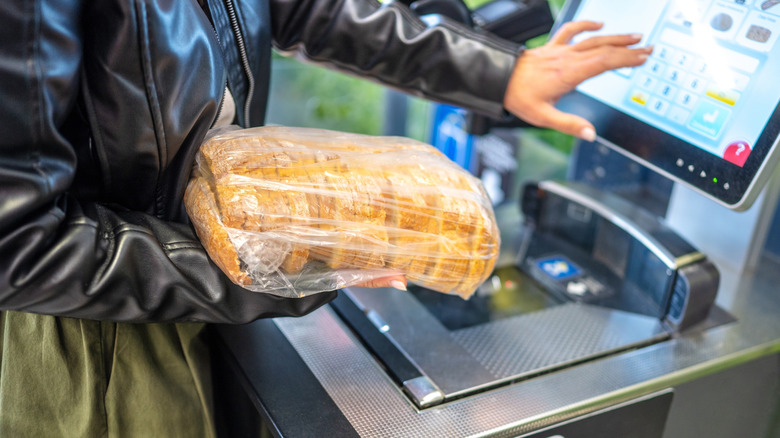
Before the days of self-checkout, you may have noticed that if you bought 10 cans of dog food, the cashier swiped one can 10 times to save time. This can be effective at a normal checkout counter, but if you're using certain SCO machines, it can glitch the system. "At my job the self checkouts are weighed so you have to scan then put the item down then scan then put the item down and if you put anything else on the scale or lean on it or don't put the items on it, it will not let you scan the next thing. The amount of people who don't understand it and get mad at me when I try to explain it is insane," said one Reddit user.
This means that you should scan each individual item with a barcode, even if you're buying in bulk. It's a self-checkout myth that double scanning is more efficient. Even if your particular grocery store doesn't use a weighted bagging scale, you'll still want to avoid this habit. Some SCO kiosks use artificial intelligence (AI) to detect fishy behavior to prevent theft. If you're scanning items rapidly and bringing them back and forth across the scanner, this may trigger an alert, and an employee will have to clear you before you can continue. Although it is their job to assist with such alerts, they may get frustrated if you're not following the rules, even if you deem it more efficient.
Trying to hack the system
Even with AI video detection, weighted scales, and an employee circling self-checkout counters, theft is prevalent, which just puts more demand on employees to hover over customers or to get into uncomfortable confrontations. Unfortunately, many folks don't follow the honor system, which is the reason there are so many systems in place that hold up the process. Some folks will even choose self-checkout so they can "hack the system" — also known as stealing. One former Walmart employee felt defeated by the prevalence of theft at SCO, and explained, "I used to turn the other way when people would steal ... To be honest I felt that the pay at Walmart didn't pay me enough to argue and fight with the customers so I just opted out ... Most of the time people were honest, but a lot of the time people were stealing and there wasn't a ... thing I could do about it."
Let's be clear, knowing that plugging in your Honey Crisp as a Granny Smith because it's less expensive per pound is stealing. Hard stop. When your item doesn't scan, and you knowingly put it in the cart anyway, that's theft. Placing produce only halfway on the scale, on purpose, is stealing. Employees will rightfully roll their eyes (or more) if they catch this kind of behavior. Some stores like Aldi are opting to remove self-checkout, with the suspected reasoning being theft.
Blaming employees when there is an error

There's nothing more eye-roll-inducing than being blamed for something that isn't your fault. One grocery store employee on Reddit said, "So tired of people being unable to figure out the self check out machine and taking it out on the cashiers." Staff members are on your team, often trying to help you resolve the issue at hand, so being rude or irritable because a computer isn't working properly is misplaced. They are probably frustrated by the glitch as well, so here are a few steps to take instead of pointing the finger in the wrong direction: Buzz an employee over using the "help" button, alert them to the issue, wait patiently, and then thank them for resolving the issue.
Folks are much more likely to want to solve your problem if you're kind, so it's a win-win. One of the worst parts of grocery store self checkout is how irrationally irritated customers get. One Reddit user who allegedly works in retail said, "If multiple things go wrong at once, people get p*ssed, fast." Another said, "Also people at SCO tend to be a lot more rude than the customers at regular registers." Yes, it's an employee's job to help you, and it can be frustrating if things don't work, but that doesn't mean you have to be sour to someone who's likely overworked as it is. You can be irritated, but you shouldn't be mean.
Asking the SCO employee to assist with other grocery needs
Across the board on Reddit, grocery store and retail employees at the SCO counter complain of being overworked. If you see an employee bouncing around from kiosk to kiosk, do not ask them what aisle the Ritz crackers are in. Yes, they likely know the answer and would be willing to direct you, but in the moment, that's not their role.
One Publix employee notes this is a frustrating aspect of working self-checkout, and described their experience on Reddit: "This seems to happen to me all the time on self checkout ... And I'm talking about when I'm very obviously busy at self checkout and am in the middle of assisting someone there, and then another customer who isn't even checking out just walks up to SCO and interrupts me, expecting me to help them find something." This requires staff to make difficult choices. "I just hate when this happens because I have to be 'rude' to someone (either the customer I'm currently helping and got interrupted from, or the person asking for help)," said the Reddit user.
That being said, if you're walking by and there are little to no people using SCO, it would be appropriate to ask a quick question. Depending on their role, they may or may not know the answer, but they could likely direct you to someone who does.