

9 Unwritten Rules To Know Before Using Self-Checkout
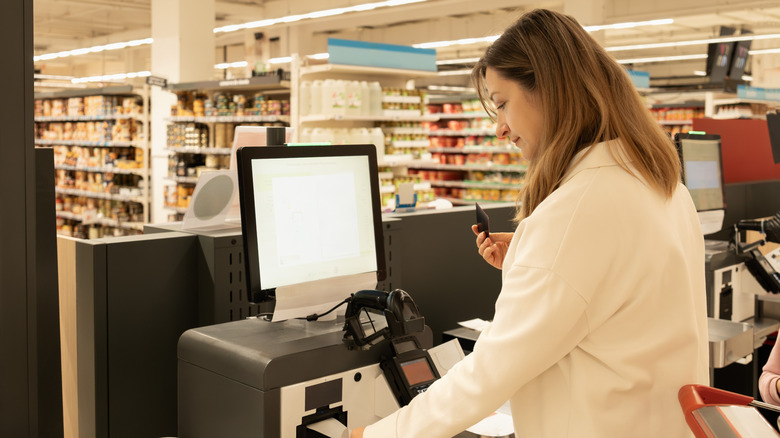
It's true that not everybody likes self-checkout stations at grocery stores (including Publix), and it's also true that some stores have better self-checkouts than others. But overall, using self-checkout at your local grocery store is a great way to get in, get what you need, and get out faster than you might otherwise be able to. Yes, you have to scan in your own items — which, admittedly, not everyone likes to do — but you probably won't have to wait in line as long, and you're not required to make any small talk with the cashier. (Whether this is good for society or not is up for debate, but we digress.)
But before you use a self-checkout lane, there are some rules you need to know. You're not likely to find these rules written anywhere at your local grocery store, but following them will ensure that you have a smoother, easier self-checkout experience ... and don't get in anyone's way in the process. Let's take a closer look at the unwritten self-checkout rules you should be keeping in mind the next time you're at the grocery store.
Keep your purchase relatively small
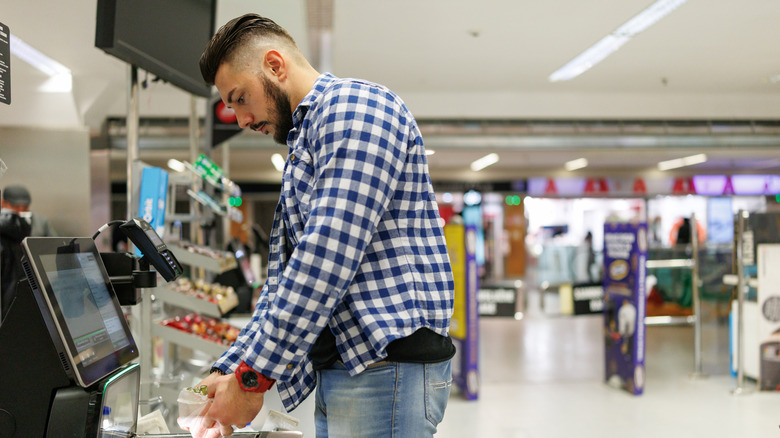
You may notice that at some grocery stores, the self-checkout section is limited to a certain number of items or fewer. Generally, this number is somewhere around 15 to 20 items. That means that you're not going to want to roll up to the self-checkout lane with a massive cart filled with groceries. At other grocery stores, there may not be a specific limit to the number of items you're allowed to purchase in these lanes, but it's still a good idea to keep your purchase relatively small.
Often, there's simply not a lot of room in the checkout section. You may not even be able to fit all of your groceries onto the scale after you scan them in, or you could end up blocking other people if you're pulling a huge cart behind you. Plus, buying all those items will slow down the self-checkout line, which can be annoying to other guests who are only purchasing a few items and don't want to wait for you to go through your whole monthly grocery haul. Therefore, only choose the self-checkout line when you're buying a reasonably modest number of items.
Don't leave items you decide you don't want at self-checkout
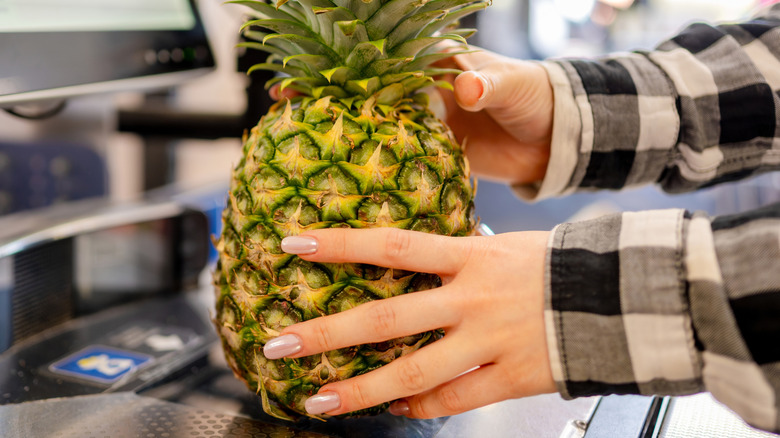
We've all been there before: You're checking out in the self-checkout line, and you realize something is a lot more expensive than you thought it was, or you notice that there's a defect in the product. Perhaps you just realized that you didn't really want it to begin with. A lot of people will decide to just leave the item right there at the self-checkout station, assuming someone else will deal with it. But if you're trying to be a good self-checkout patron, then you shouldn't leave your unwanted items there for a staff member to handle.
Ideally, you'd go back to where you got the product from in the store to return it — if you haven't already scanned in most of your groceries, that's probably the best course of action. If you're almost done scanning and you're in a rush, though, at least alert a nearby staff member that you're leaving an item there. That way, they can make sure to get it back to its correct spot in the store as soon as possible. This is especially important when it comes to refrigerated or frozen products, including these delicious hidden gem frozen items from Costco.
Pay attention when you're waiting in line
If you go to the grocery store during a particularly busy time of day, then you may be forced to wait in line for self-checkout, even if there are several different stations available. Of course, you may use this time to check your phone, start a conversation with whoever you're shopping with, or simply zone out for a few minutes. While we're all for embracing your downtime when you're in line, you're still going to want to pay attention to ensure that you know when a new self-checkout station becomes available.
We've all been behind that one person who's next in line for self-checkout but doesn't look up from their phone even though there's a new station that just opened up. It can be slightly annoying to be behind one of these people, so try not to be that person yourself. The faster that everyone gets through the self-checkout line, the happier they'll all be — you included! It's always a good idea to be self-aware of your actions in public to ensure that they're not negatively affecting others.
Have your ID ready if you're buying alcohol or any other age-restricted items
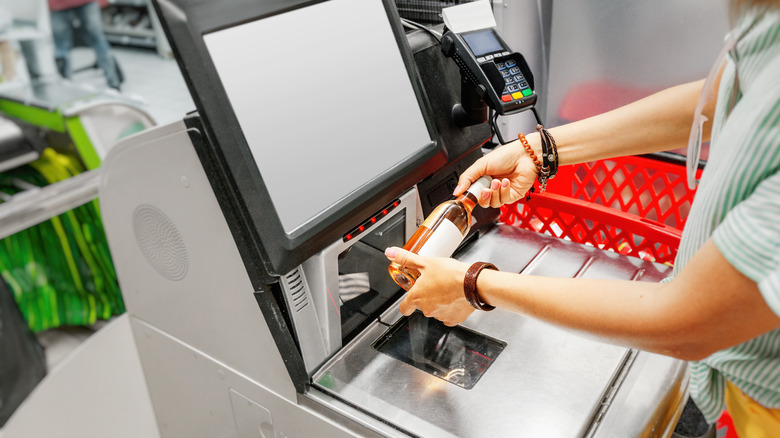
When you go through a regular checkout line and you're buying alcohol or other age-restricted items, you know you're going to be asked for your ID. Legally, the store can't sell you certain items unless they know you're above a certain age. So, when you're going through self-checkout, you should expect the same thing. Generally, a staff member will come over, check your ID, and key in a code at the machine so you can move forward with your purchase. Before they do that, the machine will usually prevent you from scanning anything else.
If you are buying something that is age-restricted, you might want to consider skipping the self-checkout and going through a regular line. If that's not available, just make sure that you have your ID on you and ready to go when the staff member comes over to check. It'll make the checkout process quicker, and you won't waste a staff member's time in the process.
Don't scan your items too quickly
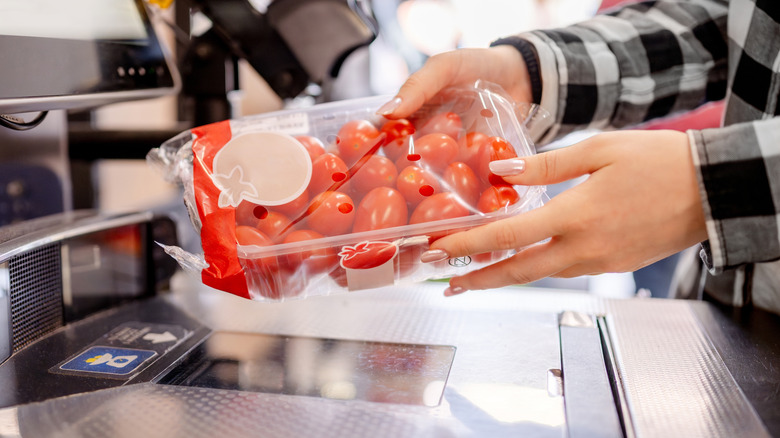
We get it: Sometimes, you're in a hurry, and you need to go through the self-checkout line as quickly as possible. This may prompt you to try to scan your items as quickly as possible, hoping that it will speed up the checkout process. Although that's a logical assumption, it's not always true. Often, when you try to scan your items too quickly, you can make errors, including not scanning in something you meant to or scanning in the same item twice. Sometimes, these mistakes can even lead to the machine locking the screen, not allowing you to continue checking out until a staff member comes over and unlocks it for you after determining what the problem is.
While you don't have to go super slow when you're checking yourself out, it's also important not to scan your items too quickly. Ultimately, that may be counterproductive, as you end up spending more time at the self-checkout. In this case, slow and steady is the best policy.
Wait until the person ahead of you bags their groceries before you start scanning
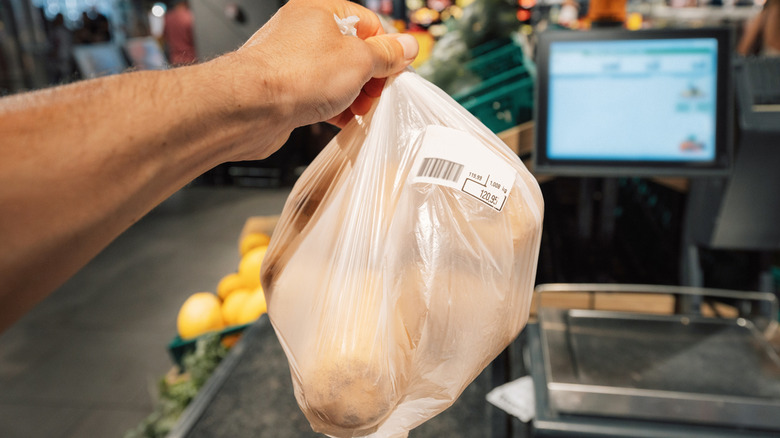
We've all been in a situation when you're in the self-checkout line, waiting for a machine to open up, and there's a person who seems to be taking forever to bag their groceries. Technically, the machine is open, but there's a customer who's still at that station trying to get all their stuff together. Although it may be tempting to just head to the machine and start scanning your items, doing so can definitely be considered quite rude.
Not only are you effectively rushing someone who's trying to collect their groceries, but you may even be crowding out their groceries when you start putting more items on the scale. Most self-checkouts are designed to accommodate one person scanning and bagging their groceries, so getting in someone else's way when they're finishing up their shopping trip just isn't a nice move. Wait your turn until the person in front of you has completely left the station. You probably want the same respect when you're the one bagging your groceries.
Check to make sure you didn't double-scan any of the items in your cart
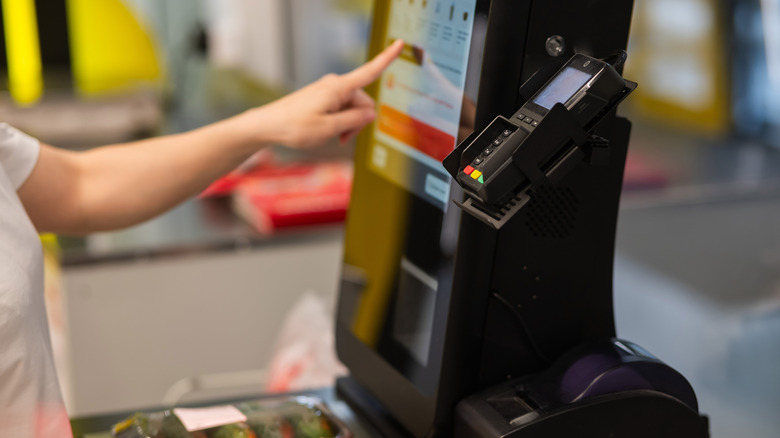
We've already discussed how important it is to take your time when you're scanning to ensure that you don't mess anything up during the process. One of the mistakes we make most often is double-scanning items. This can sometimes happen seemingly by chance, which is why it's important to take a close look at your groceries — and at the self-checkout screen — to ensure that you aren't paying for more than you're actually getting.
Therefore, before you pay for your groceries, do a scan of what you purchased and compare it to what's on the screen in front of you. This is especially important if you're buying several of the same thing. It's far too easy to scan one more of a certain item than you actually intended to purchase. If you see any duplicates, remove them. And if you can't remove them on your own, alert a staff member to get help. They likely see these problems frequently, so they should be able to get you sorted out in a matter of seconds.
Make sure that the checkout station takes the form of payment you prefer to use
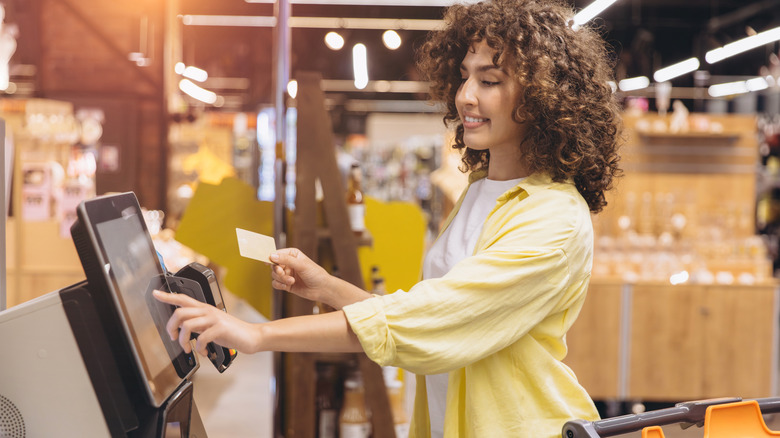
Going through self-checkout can be convenient, but sometimes, these checkout stations are a bit less flexible than going through a regular checkout lane. Often, the machines won't take certain forms of payment, which is why it's so important to make sure that the checkout station you're using takes whatever type of payment you prefer to use. At our local grocery stores, we've come across quite a few machines that don't take cash specifically, so you should pay extra attention to this if you're not planning on paying with a card. Otherwise, you might have to go through another checkout line again, after already scanning in all of your groceries once. Keep in mind that different machines at the same store might accept different payment types.
If you're using a debit card and want cash back, you should also verify that the machine in question will be able to do that for you. A lot of stores will affix a sign to machines that only take cards and don't offer cash back, but it never hurts to consult a staff member if you really want to make sure you're checking out in the right place.
Put your basket back before you leave
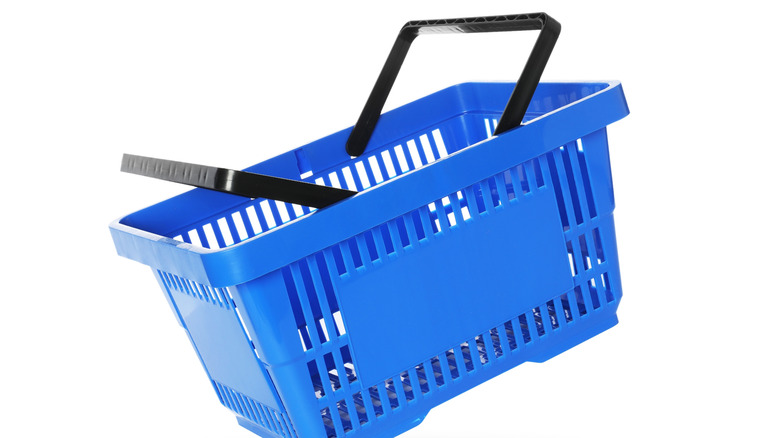
You've finally gotten through self-checkout successfully, and you're ready to bag all of your groceries and leave the store. In your rush to move on to wherever you're going next, you may assume that you can just leave your cart right in front of the self-checkout space. It should go without saying that this is a big no-no — it's going to be in other shoppers' ways, and you know that someone who works at the store is going to have to put it back when you could've just done that yourself. Therefore, you should put it back where you found it, which is probably somewhere near the entrance of the store.
But a lot of people think that leaving a basket at the self-checkout is totally fine. It's small enough that it won't block anyone from using the machine, after all. However, unless they're a designated place to drop your basket at the self-checkout station you're using, you should put it back where you found it (or wherever else you see a stack of baskets). It takes basically no extra work on your part, and the grocery store staff will be happy that they have to pick up after one fewer shopper.