

15 Unwritten Rules Every Taco Bell Customer Should Be Aware Of
Taco Bell might not be a fancy restaurant, but there are still some unwritten rules to follow when visiting. Nobody is going to necessarily hold you to these rules, but you'll have a better experience and be kinder to other customers and employees if you do. Some are etiquette rules, while others will help you enjoy your meal more, help save money, or even help avoid disasters.
Having frequented the chain for decades and having a vegetarian in my family, I'm well-acquainted with many Taco Bell ordering hacks. However, the unwritten rules go beyond how to use the kiosk to turn a Burrito Supreme vegetarian or how to transform it into something new. Instead, they're more about how to order food for the best value and rewards, how not to ruin it, how to prevent it from getting overly messy, and how not to anger fellow customers and employees while ordering it. Whether you're a long-time fan like I am or a newbie, keeping these unwritten Taco Bell rules in mind can help you make the most out of your visit and prevent awkward or disastrous ordering mistakes.
Download the app and join the rewards program
The first thing you need to know is that downloading the Taco Bell app and joining the rewards program are absolute musts, since they offer some of the best fast food app discounts. You can also earn and redeem rewards at the kiosk and drive-thru without ordering through the app. In fact, the very first thing you encounter at Taco Bell for a kiosk order or at the drive-thru is a question about your rewards code. If you eat at Taco Bell often, those rewards can add up quickly. Plus, having the app can help you with other unwritten rules you should know about.
I tend to visit Taco Bell once or twice every week or two, and it's a rarity that I don't have a free reward to redeem. You get rewards for every 250 points you earn and can redeem rewards either in the app or using the kiosk inside the restaurant. At the lowest tier, you get 10 points for every $1 you spend, and 250 points ($25 spent) get you a free item. Lower-tier items include basic tacos, basic burritos, drinks, and basic sides, while more points get you higher-tier free items. The rewards program also gives you access to Tuesday drops, voting to bring back your favorites, limited-time passes, event access, online exclusives, and digital experiences.
Have your rewards codes ready before you make an order
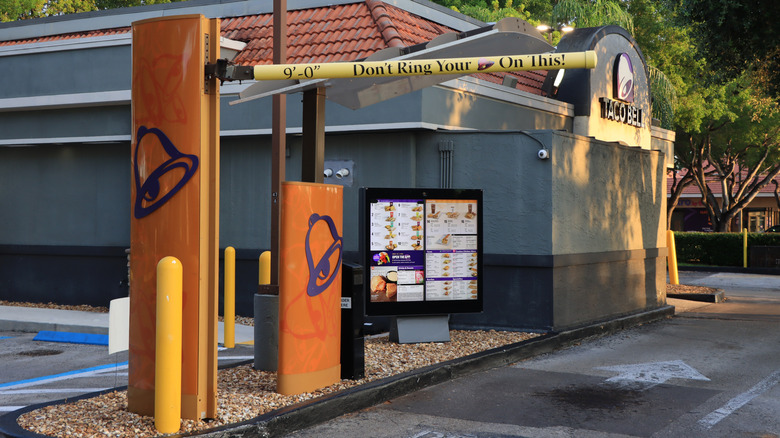
Once you've committed to using the app and reward codes, you'll want to have that reward code number queued up before you head to the drive-thru or the kiosk to order. This unwritten Taco Bell rule is about being polite to those around you, as well as organizing yourself.
As I mentioned earlier, whenever you go through the drive-thru or order at a kiosk, you'll be asked for your rewards code. If you're ordering from the drive-thru and have the code ready to go, you save time for the people behind you, keep the line moving, and don't waste the employee's time when they're trying to get orders out quickly. Inside at the kiosk, it's not fair to other customers if you jump into line before you're ready to order.
It's worth noting that your app won't offer a code until you are near a Taco Bell location. To get the code, simply click "Check In" in your app. I tend to activate mine when I get to the drive-thru line or while sitting in the parking lot before I go inside.
Keep your receipt if you didn't remember or couldn't use your rewards code

Something I learned recently is that you can still get credit for your rewards even if you didn't use a code for your order. The app actually has an option to accommodate this possibility, but it requires your receipt.
There have been several times when I haven't been able to generate a rewards code for an order. A couple of times, I've made a Taco Bell run without my phone. Sometimes the app has glitched, and wouldn't generate a code. I've also found that the kiosk won't take the same code for a second order, and the app won't regenerate a new code for a long while.
If you run into any of these problems, you can still get rewards by scanning your receipt into the app. Simply go to the "Rewards" section of the app and scroll down until you see the option for scanning in your receipt. You can either take a picture with your phone or enter the barcode number. According to the app, you're only able to turn receipts into rewards points for five days.
If you want several customizations, order from the kiosk or app
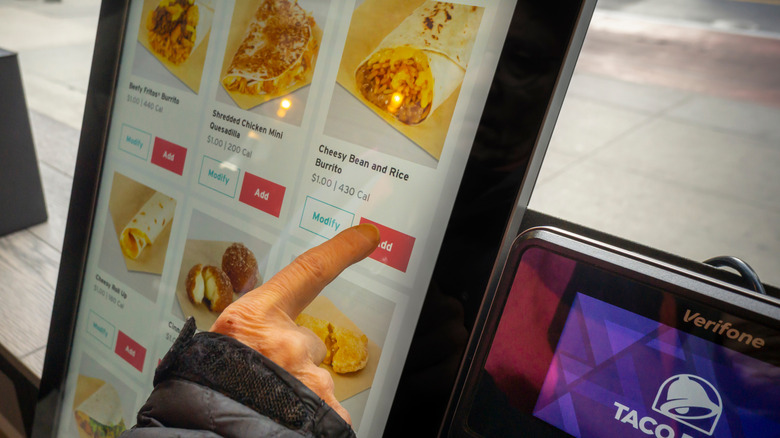
One thing I really appreciate about Taco Bell is how customizable everything is. However, if you want more than one or two substitutions or additions, it's better to order with the app or go inside to use the kiosk. If you're a Millennial or Gen Zer, that's probably your ordering preference anyway.
A big reason to use the kiosk or app to make your substitutions instead of doing them out loud at the drive-thru is that it can hold up the line. It takes time for the cashier to make all those changes, which is time that the driver behind you is getting anxious.
Another reason it's best to make customizations in the app or at the kiosk is that you're more likely to get it made exactly as you want when you're not relying on someone else to get it right from verbal instructions. I often get alteration mistakes with verbal drive-thru orders, but rarely do with kiosk orders. Although if it's just one tiny change, I'll take the risk of ordering through the drive-thru.
Don't use the drive-thru if you have a large order
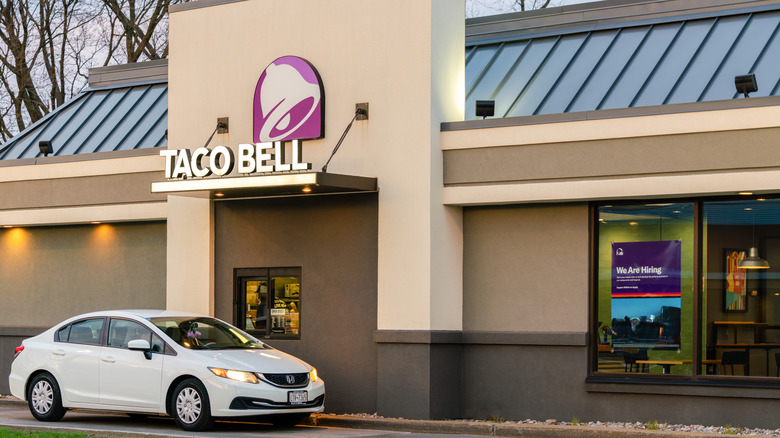
Another unwritten Taco Bell rule, largely about being courteous to both employees and customers, is not to use the traditional drive-thru when you have a large order. If there's no official limit at your location for how many items you can order while in the drive-thru, try to stay reasonable, keeping in mind that some locations have a limit as low as six items at a time.
Taco Bell continues to be the fastest drive-thru in the U.S. year after year. According to QRS Magazine, in 2025, the average time customers spent in the chain's drive-thru was 256.81 seconds — well under five minutes. However, if you've ever been in a hurry only to get in line behind someone who just ordered enough to fill six bags, you'll understand why large orders can be annoying. Consider making large orders ahead and picking them up inside, ordering inside at the kiosk, or ordering ahead with the app for drive-thru pickup rather than trying to give a verbal order at the window.
Don't add too many sauces
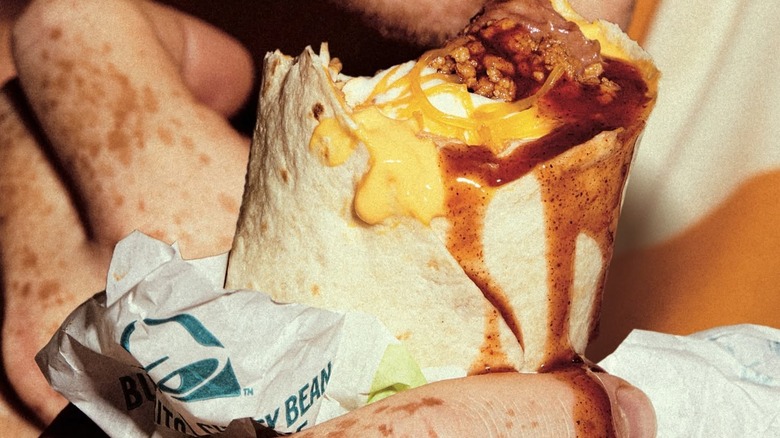
Just because you can make extreme customizations doesn't necessarily mean that you should. The more sauces you add, the more likely you are to have an oozing, dripping mess. Plus, it may not taste as good as you anticipated.
I recently found out the hard way that it's possible to add too many sauces. Seeing fajita veggies on the add-on menu, I decided to try to turn a burrito into a discontinued Taco Bell menu item: a fajita wrap. The problem was that I thought of all the fajitas I've had at proper Mexican restaurants and decided guacamole and sour cream would be nice, too. Adding two extra sauces was a huge mistake. Not only was it messy, but it also upset the flavor profile. In fact, I'll go as far as to say that it was probably the worst Taco Bell burrito I've ever had. The person who made the burrito didn't adjust any of the sauce quantities, which makes sense since I paid for extra sauces.
If you want to make a change to a menu item that includes several sauces, better strategies are to substitute sauces, add only one extra sauce, or serve extra sauces on the side. If they're on the side, you can add as much as you need yourself or use them for dipping instead.
App-only and online-exclusive items can't be ordered any other way
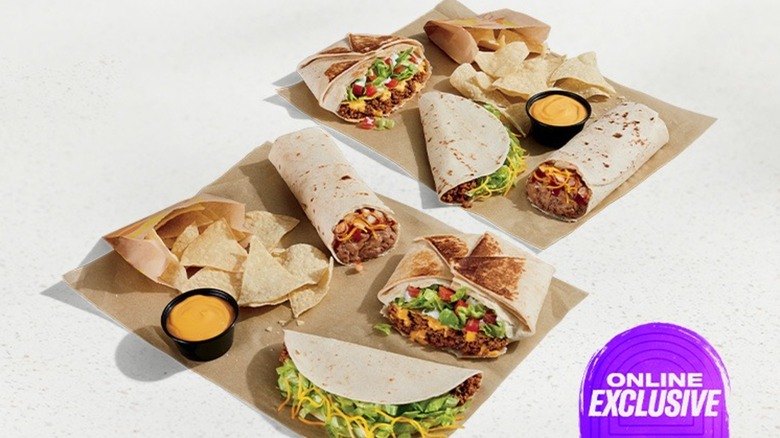
It might go without saying, but if items are listed as app-only or online exclusives, you can't order them in person. You have to actually complete the purchase online or in the app.
Online exclusives often save you money with deals you can't get otherwise, especially with bulk orders. For example, at the time of writing this article, you could get a meal for two for just $12.99, including two each of Crunchwrap Supremes, bean burritos, soft tacos, and chips with nacho cheese sauce. If you'd ordered all these items separately without the deal, you'd have spent $42.77. In fact, the two Crunchwraps alone would have been more than $12.99. Not realizing the deal wasn't the same in person as online would have you spending over three times as much.
Online exclusives aren't limited to bulk orders. Sometimes, you'll find an actual menu item that you won't be able to order any other way except through the app, like a grilled cheese burrito. Even if you're hesitant to use the app for ordering, when your favorite item is only available there, sometimes you just have to give in.
Order at the kiosk instead of the counter if you order inside
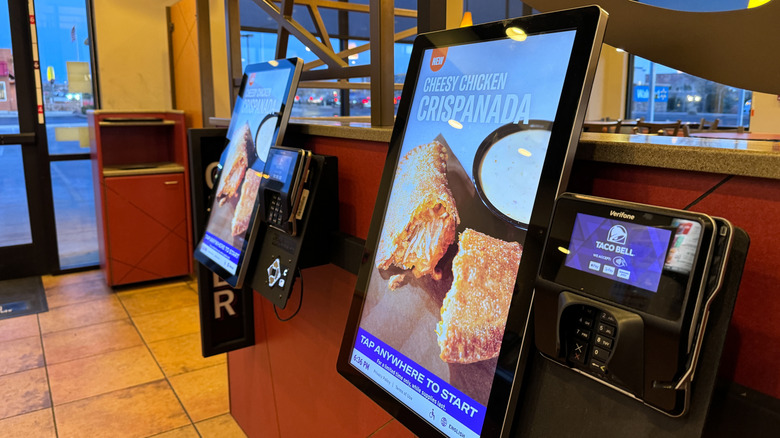
If you've been inside a Taco Bell recently, you've likely noticed that there's nobody standing around waiting to take your order. Instead, they expect most people to do a kiosk order.
People on social media claiming to be employees have said their superiors want them to encourage kiosk ordering. With employees trying to get orders out as quickly as possible and only a handful of workers, there's no dedicated front-cash-register employee. Thus, customers often find themselves waiting a long time to make an in-person order.
In fact, some locations have taken down the inside menu to push customers toward the kiosk or may even exclusively take kiosk orders inside. The only exception is that these locations might offer in-person ordering for those who may not be able to easily make a kiosk order, like an elderly or vision-impaired guest. Granted, many of the kiosks don't take cash, and you have to pay at the counter anyway. Still, taking a customer's money takes less time than waiting for them to hem and haw over the menu.
Don't wait at the counter for your order
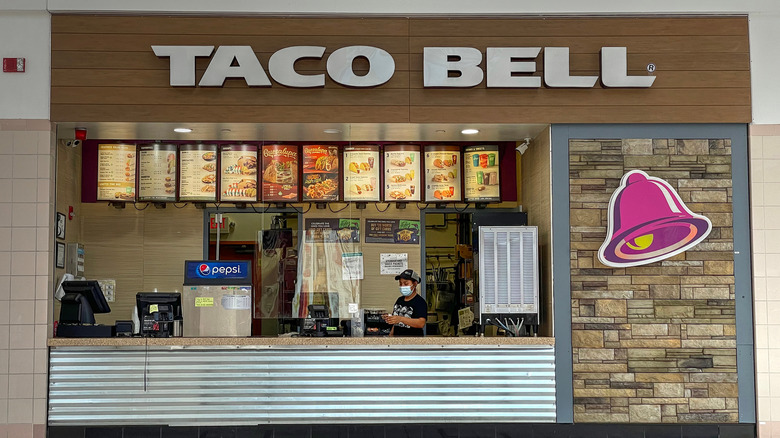
Not only do the employees not really want you ordering at the counter, but they don't want you hovering around the counter waiting for your order either. The kitchen is open, so employees can easily transition from the kitchen to the counter to serve you. However, that doesn't mean that they necessarily want you to stand there watching them work.
Instead of standing directly at the counter, find a place that's out of the way of traffic to spend your waiting time. You could find a place off to the side to wait just off the counter, making sure you're not blocking delivery pickups or the drink station. Alternatively, you could find a place to sit. Two-seater tables and window barstools are great options. My most-visited location has bar stools at a table near the front of the restaurant that I use for waiting.
Get your own Border Sauces if ordering inside
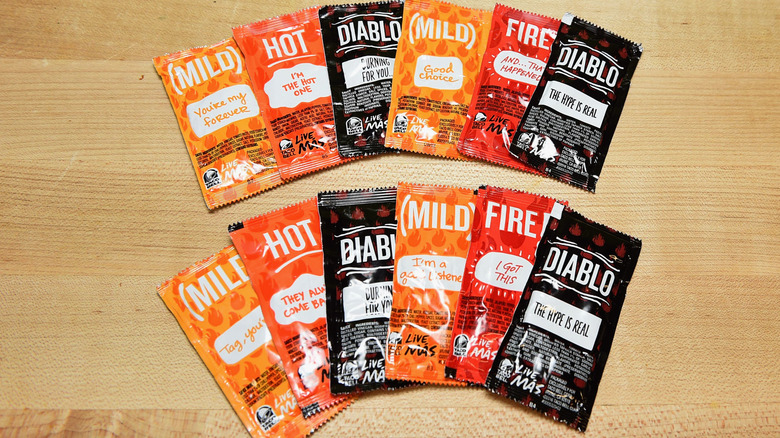
Another unwritten rule at Taco Bell about not slowing down employees is to grab the Border Sauce packets yourself if you're ordering in-store. For many customers, their orders aren't complete without a packet (or a fistful of packets) of their favorite Taco Bell hot sauce. However, it's easy to forget that there are packets available for you to grab while you're waiting for your order to be ready.
To find them, simply look around for the napkins, and you'll probably find a whole buffet of sauce packets. The other option of calling an employee back to the counter to give you specific sauces is simply unnecessary and slows down the production line for customers waiting for their food after you. So, be kind and get them yourself unless you're in one of the locations that only keep them behind the counter.
Don't ask for a ridiculous number of sauce packets
If you're ordering at the drive-thru or don't have a self-serve sauce station indoors, rein in your enthusiasm and request a conservative amount of sauce packets. They might be free, but it's rude to ask for too many.
Sure, different people have different ideas about how many sauces they need per menu item. Taco Bell CMO, Taylor Montgomery, told Business Insider that he uses 10 hot sauces per item. So, the company understands that you might need more than one. After all, the packets are small. Still, some customers say that drive-thru employees sometimes balk when they ask for an abnormal amount of sauces — like 20 for an order of one burrito.
One person on social media found that it takes around 40 sauce packets to fill up a grocery store bottle of Taco Bell hot sauce. So, don't be surprised if an employee mentions buying a bottle of Taco Bell hot sauce at the store if you request 20 packets for a single burrito. After all, the chain offers these as condiments for current orders, not for you to take home to use for other items as well.
Don't try to eat your Taco Bell while driving
Yes, we know that when you're hungry and busy, it can be tempting to try to eat your Taco Bell order one-handed while driving. However, we're going to urge you not to, for the sake of your clothes, your car seats, and your safety.
I've been there for sure — grabbing Taco Bell quickly between engagements and thinking I could save time by eating while driving. I've also found myself having to go home between those engagements to change clothing because I'd ruined both my shirt and pants with sauce. Even if you order something more contained like a burrito and eat it in the wrapper, one sudden stop is all it takes to have it all over you and your car. Plus, if you have to make a quick maneuver and you have a taco in your hand, your brain is torn between saving the taco and saving your car for a split second — a split second that might be the difference between wrecking and not.
Check the lid on your to-go orders
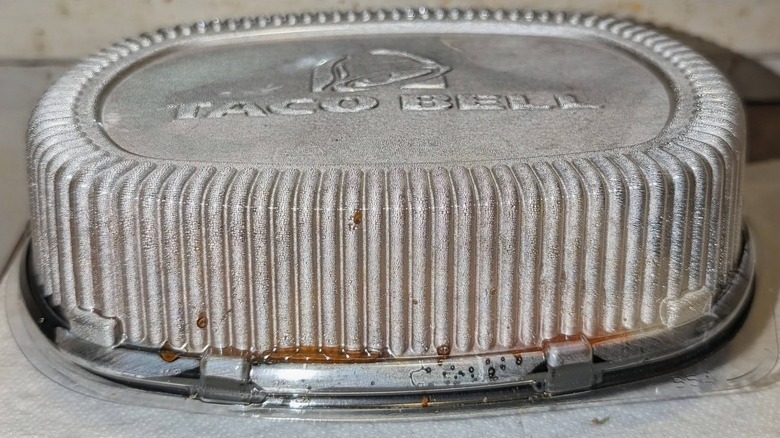
Checking the lid on your to-go orders is a must. Employees are working to get orders out quickly and don't always close them completely, which can result in leaks — either onto you or onto your car upholstery or carpet.
I recently ordered two sauce-laden items, and neither had its lid closed. So, as I drove, the sauce splashed out into the bags. When I went to pick up the bags, one ripped from being soaked through. Luckily, I caught it before a complete disaster happened, and nothing had time to leak onto my car seat. I won't leave the parking lot again without going through my bags and ensuring that all lidded items are firmly closed. If you're at the drive-thru, you can either pull ahead and check your bags or pull into a parking space and check them. It might take a little extra time, but cleaning up after a major spill would take even more.
Don't fall too deeply in love with any one item
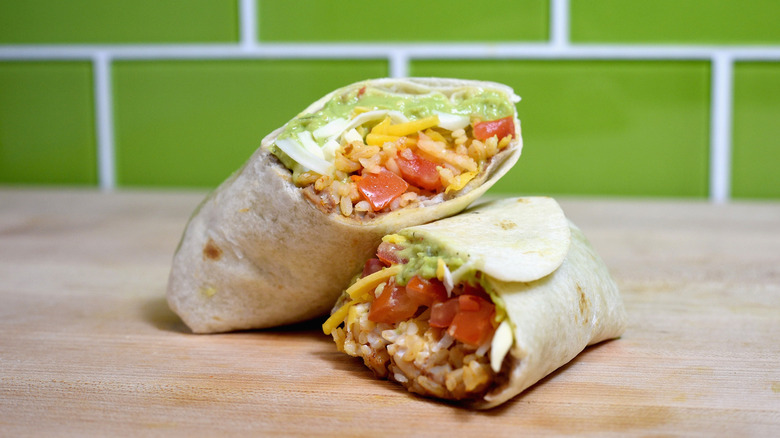
If you visit Taco Bell even occasionally, you've probably noticed that the menu isn't static. What you love today is gone tomorrow. So, it's best to walk in expecting items to have disappeared.
Taco Bell frequently drops new menu items. I don't always see something every week, but it seems like I at least see something new at least every four or five weeks. However, when new things arrive, I notice that old things often drop away.
While Taco Bell has been good at bringing back a lot of customers' old faves in the past few years, there are still many Taco Bell menu items that deserve a revival; some that fans haven't tasted for decades. I was especially excited when my first Taco Bell love — the seven-layer burrito — made a brief comeback, and I'm still anxiously awaiting the return of the Volcano menu. However, I've (almost) learned not to get attached to anything.
Start with already-cheap items when attempting to recreate discontinued favorites
With so many items coming and going, you sometimes have to hack the menu to recreate discontinued favorites. However, the unwritten rule for doing it is to use a cheap item as the base.
Let's take my old discontinued favorite, the seven-layer burrito, as an example. There are several ways to remake it, but some are more expensive than others. Starting with Burrito Supreme is easiest since you can recreate it with just three subtractions and two additions. Unfortunately, since a Burrito Supreme starts at $6.39, the burrito ends up costing $7.59.
A cheaper alternative is to start with a cheesy bean and rice burrito, which is a mere $1.59. Then make two subtractions and five additions, which only brings the cost up to $4.09. In the end, it's the exact same ingredients, but one costs $3.50 more.