

Starbucks Baristas Say More Than This Number Of Modifications Makes Your Drink A Nightmare
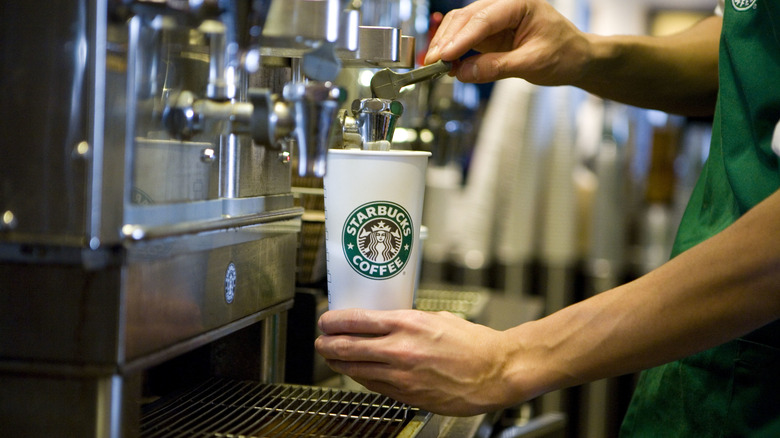
Though Starbucks makes it easy to make modifications to a base menu drink, there are a few customizations your Starbucks baristas wish you'd stop ordering; and when preparing an order, nothing complicates it more than drinks with seven or more customizations. From alternative milks and sugar free syrups, to specific numbers of pumps to additional shots of espresso — the amount of changes you're able to make to any single drink from Starbucks is fairly extensive. With some clever ordering, however, you can ensure that the many changes you need aren't overwhelming for your barista.
I worked at Starbucks — and I learned a lot. It was before the chain's mobile app allowed for online ordering and forever altered drink optimization. This meant I was put through my paces customizing milk, syrup, whipped cream, shot count, drink decor, and water requirements to order — all communicated through writing on cups and manually plugging in changes as customers recounted their specifications at the counter or from their cars in the drive thru. Today, of course, there are even more changes you can make to your coffee order, but just because you can doesn't necessarily mean you should.
How to place your Starbucks order wisely
So how do you avoid overwhelming your barista? First, choose your base drink wisely in order to reduce substitutions as much as possible. For instance, if you want an iced vanilla latte but want some caramel drizzle to accompany your drink, don't order an iced vanilla latte with caramel drizzle; order an "upside down" caramel macchiato. You just went from two customizations to one, and the swap is a quick one to understand, rather than adding a couple of extra steps to the drink preparation.
It's also important to consider how you order your drink, and to do it in a way that makes baristas' lives as easy as possible. This is especially important when you're ordering in person, when a barista is inputting your drink order on a screen as you recount it to them. Begin by stating the size of your drink — short, tall, grande, vente, or trenta — followed by "iced" if you want it cold, and the name of the base drink. Then, follow with your customizations, starting with the number of extra shots, any additional syrups and sauces, your milk alternative of choice, and any other modifications you might need, like a drizzle, for instance.
For your own sake and your barista's, it's also helpful to know what some of the different ingredients are and what they do. For instance, vanilla sweet cream makes your drink ultra milky and smooth, with a little sweetness from the vanilla that cuts through the bitterness of the espresso. Blonde espresso – another swap you can request — brings smoothness to your drink that may also make additional sweetener less important. Keeping these things in mind can work to reduce the amount of substitutions in your drink simply because they may not all be necessary.
Use the Starbucks app for customizations
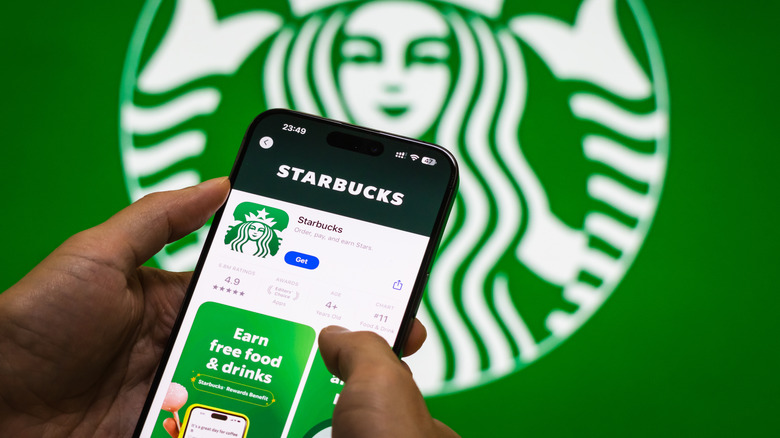
If you have a drink that you know goes overboard when it comes to customizations, my advice is simple: use the Starbucks mobile app. When you do, no baristas will become overwhelmed when adding modifications. Not to mention, you have the full range of options and changes available to you. The app simply won't let you make certain customizations that don't make sense with your drink, so contradictory changes aren't an issue either.
That said, keep your barista in mind when placing your drink order through the mobile app. There's no need to go overboard in changes just because you can select them. Though I myself have had great experience using the app to create highly customized drinks, be sure to only select the changes you need to help make sure your order comes out right — and, for the sake of the barista on duty, remember to keep the number of customizations under seven.
In consideration of Starbucks employees, you may also want to brush up on some of other Starbucks etiquette rules before you use the app to customize your drink. For instance, one mistake to avoid when using the Starbucks mobile app has to do with the location you select for pick-up. You should also wait about five minutes before you expect to find it there — since another basic tip for placing Starbucks mobile orders is not to show up immediately after placing it.