

What An F1 Error Code On Your Stove Means And How To Fix It
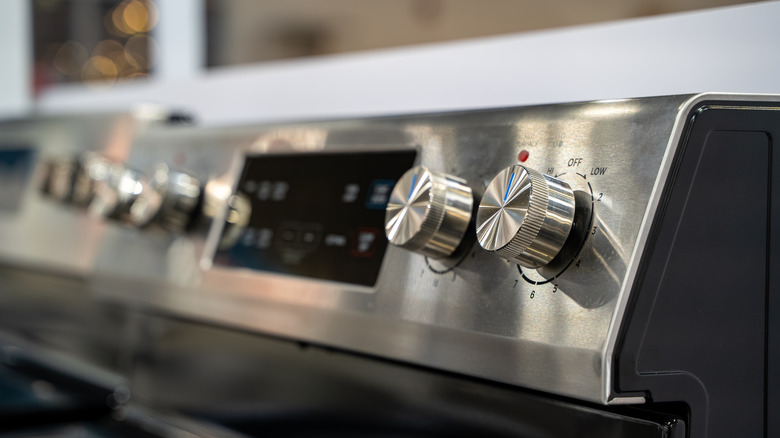
When the control panel on your oven starts flashing and beeping, your first thought is most likely: why? Unlike the error messages on other appliances, such as a coffee maker that clearly state the need for cleaning or refilling, those on an oven can be a little harder to figure out. To make things harder, the meaning of error codes can vary between oven brands and sometimes between models. If you see the F1 error code, there are a few possibilities for what's going on.
Broadly speaking, the F1 error code on an electric oven signifies a problem with the electrics or control board (EOC), rather than the oven itself. This could mean something as simple as a stuck button on the keypad, but it could also indicate a problem with the temperature sensor, faulty wiring, or a failed control board. Less helpfully (but also less costly), this error code may just be a glitch. If so, nothing is actually wrong, but you'll need to reset or clear the error manually.
If you have a gas stove with an electronic control panel, you may also find yourself faced with the F1 error for similar reasons. It's the sign that something has gone wrong with the keypad, the circuitry of the board, or the temperature sensor. For safety reasons, some gas ovens with the F1 code may not ignite until the error has been dealt with.
What to do before you call a technician

Electrical issues in an oven can be costly to repair and dangerous to DIY if you don't have the relevant experience. But before you get a professional in, identifying the error can save you money and possibly eliminate the need for a call-out.
The first thing to do is rule out a glitch. This is as simple as unplugging the oven or switching off the circuit breakers if you don't have access to the outlet. Leave it off for at least 5 minutes, then restore the power. If the error has gone, you're good to start cooking, though if it reappears with any regularity, you can assume there's likely a deeper issue.
Moisture entering the keypad can mimic a stuck button and trigger the F1 error. Although cleaning can help prevent stuck buttons, excess liquid can easily get into cracks. Try spraying the cleaning product onto a cloth first, rather than directly onto the surface. If you think this might be the cause of the issue, dry the keypad with a fan or a hairdryer on low heat before attempting to switch the oven on again.
If the oven heats up without problems but the F1 error displays as you're cooking, you're most likely dealing with a temperature sensor issue. In this case, you'll need to replace the unit or the wiring. Likewise, if the error continues to flash after you've checked the above, you most probably need to call in a professional.