

The Kroger Deal That Fills Up Your Shopping Basket For $10
With many people worried about high inflation rates and increasing grocery prices, it's understandable that grocery stores would offer special deals and promotions to stay competitive. Kroger's 10 for $10 promotion is one of the best money-saving tips, tricks, and hacks you can use at the grocery store.
The grocery giant's 10 for $10 deal is a strong competitor for Safeway and Albertson's $5 Friday Deals. This money-saving grocery discount allows you to choose 10 items for just $10 during special promotional periods. While you can't use this promotion every time you shop, the store does offer it regularly, and you just need to subscribe to their weekly ads to get notified about when it is valid. It's part of Kroger's long-term commitment to lower prices, and its way of staying competitive with other big-name grocery chains.
During this special promotional period, customers can mix and match 10 participating items and pay just $10 for them. Each time the deal is offered, the list of participating items varies. For instance, during one promotional period you might be able to get five boxes of different pasta and mac and cheese products and five cans of vegetables or soup. During another promotion, your options might change, allowing you to pick from a range of frozen meals and vegetables, pantry staples like tuna and ramen, and single-serve beverages.
How to take advantage of Kroger's 10 for $10 deal
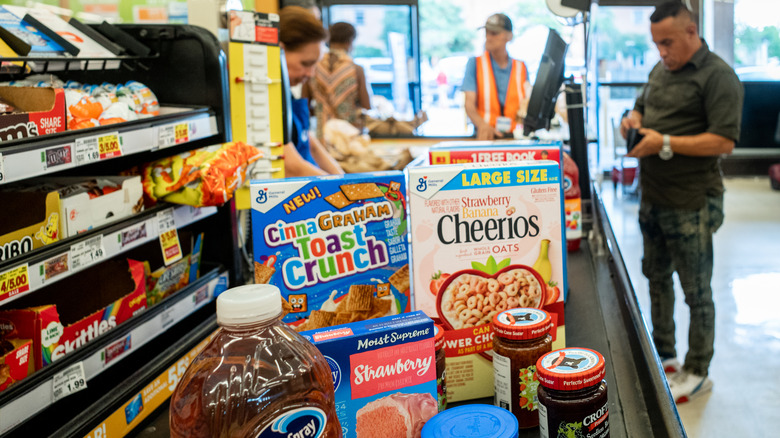
You can only use Kroger's 10 for $10 deal during the store's special promotional periods. To get notified of Kroger deals and discounts, sign up for the store's free Kroger Plus Rewards Membership. Then you'll get emails each week letting you know of special deals and promotions. You can also download the Kroger app and enable push notifications so that you get alerts on your phone about sales as well.
You can also regularly visit the Kroger website's Top Deals page to see the best discounts and deals of the week, including Weekly Digital Deals, low prices, and the store's Buy 5, Save $1 Each promotion. When the 10 for $10 promotion is live, you can use it when you shop in-store, place a curbside pickup order, or use other digital grocery shopping methods.
Make sure you have location enabled and are shopping at your home store location, and then check the list of valid 10 for $10 items. Select any 10 you want from the list, mixing and matching as you please. You can use the promotion multiple times in one shopping trip; for instance, you can get 20 items for $20 or 40 for $40, as long as they are all from the appropriate list. You should also look at the small print to see any specific terms and conditions that apply, such as quantity limits on certain items or the date range for the promotion.