

6 Meal Planning Apps You Can Actually Use For Free
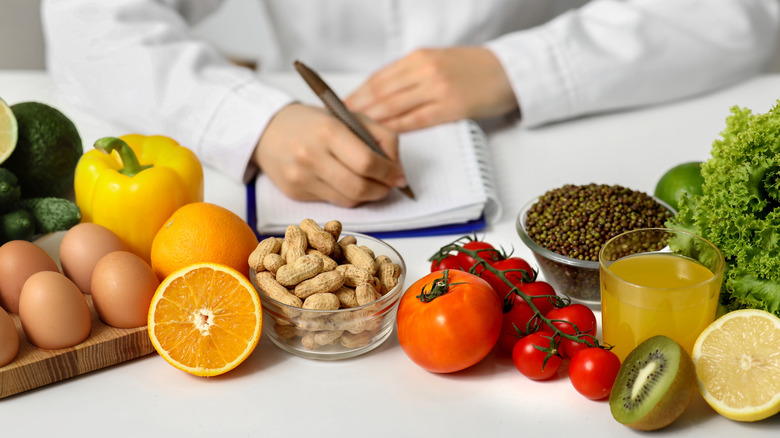
Meal planning is the best way to avoid the inevitable wilted bag of spinach and sour milk in the back of the fridge. But with the temptations of take-out and kitchen chaos, it can be hard to stick with the menu, even if you've tried all the tips for simplifying your weekly meal planning. Prepping and scheduling meals isn't just for busy parents or those following a strict diet. It's a structured way to stick to a budget and minimize cooking time throughout the week. Handwritten lists and spreadsheets can go a long way, but sometimes it can be a challenge to see the bigger picture in a little notebook. Whether you need to discover new recipes or just input them into a calendar for reference, there are tools that will come to your rescue, but often at a price.
There are plenty of awesome meal planning apps to purchase, but it can be hard to justify spending money on what is essentially a list-making tool and recipe curator. Budgeting so you can save money at the grocery store is hard enough; we don't need to factor in a monthly fee just to plan our meals. There are an overwhelming number of apps out there designed to assist in the tedious meal planning process, which just makes it harder to pick the right (free) one. Plenty of meal planning apps can be downloaded for free, but it's really just bait for an upgrade. While many do offer more features for a one-time fee or a monthly subscription, some provide free tiers with all the basic functionalities.
Apps without the irritating in-app purchases

Daily Meal Planner, made by Futasaji, is as simple as it sounds. It has everything you need to meal plan for the week, or even the month if you're feeling ambitious. On top of the adorable smiling spoon and fork logo, the interface is sleek and straightforward, with a polished monthly calendar view that makes it easy to visualize and plan ahead. The app allows users to log daily menus, including breakfast, lunch, and dinner, while also tagging the type of dish (mains, side dishes, etc.) There isn't a long list of advanced filter options or categories, which actually prompts efficiency rather than limitations. There's also a simple shopping list function. Daily Meal Planner isn't for discovering new recipes, but it's a great meal planning tool for those who already have established household recipes and are just looking to organize their week.
Another long-time favorite meal planning app is SuperCook. This free tool is great for cutting down on food waste, as it generates recipes from all over the web based on what's already in your pantry. You can also do all the basic meal planning steps, like making grocery lists and collections of your favorite recipes. The only feature SuperCook lacks is a calendar to map out meals, but between this app and Daily Meal Planner, you'll have the best of both worlds. The best part is that the developers don't bombard you with pop-ups tempting you with more features.
No need to splurge on the extras

Amongst the pages and pages of meal planning apps out there, few offer everything you need for free, but thankfully, some free tiers are efficient enough. First, there's Recipe Keeper,, which is like a digital recipe box. It's minimalistic and super easy to navigate, allowing you to meal plan, categorize recipes, and build shopping lists to make your trip more efficient –– all for free. The Pro version is a one-time fee of $19.99 on iOS, which offers some bonuses like device syncing and unlimited recipe saves, but they're not necessary. Mealime is another minimalistic planning app with a pretty robust free version that allows users to browse tons of curated recipes and generate or customize meal plans. The upgrade is one of the more affordable options at $2.99 a month, but the free choice has more than enough to sift through.
Copy Me That and Big Oven are two other apps with so-called "pro" versions that aren't required for efficient meal planning. Both apps allow users to clip recipes from any webpage, make shopping lists, and plan ahead, each with a few different benefits. Copy Me That has a great drag-and-drop feature for plotting your monthly meals, as well as a community feature for recipe sharing. It also lets users add their own recipes, whereas BigOven only offers that feature in their paid upgrade ($2.99 per month or $24.99 for the entire year). However, BigOven allows device syncing under its free version, a feature Copy Me That reserves for the paid users.